IoT homework 2
Yankai Zhang (yankaiz@andrew.cmu.edu)
Github repo: https://github.com/grayluck/iot_hw2
Step 1.
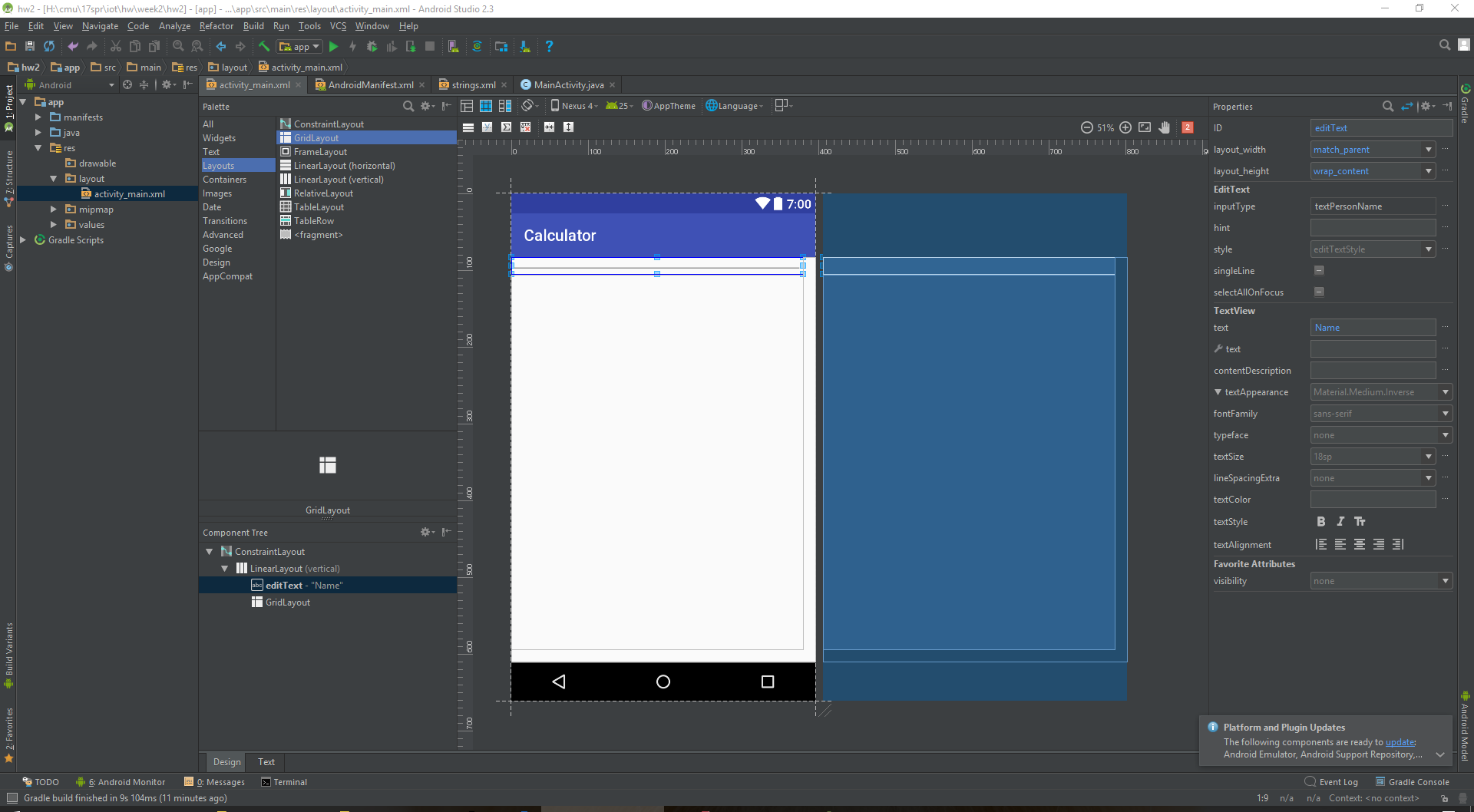
Create a new calculator Android project and design the calculator layout.
Step 2.
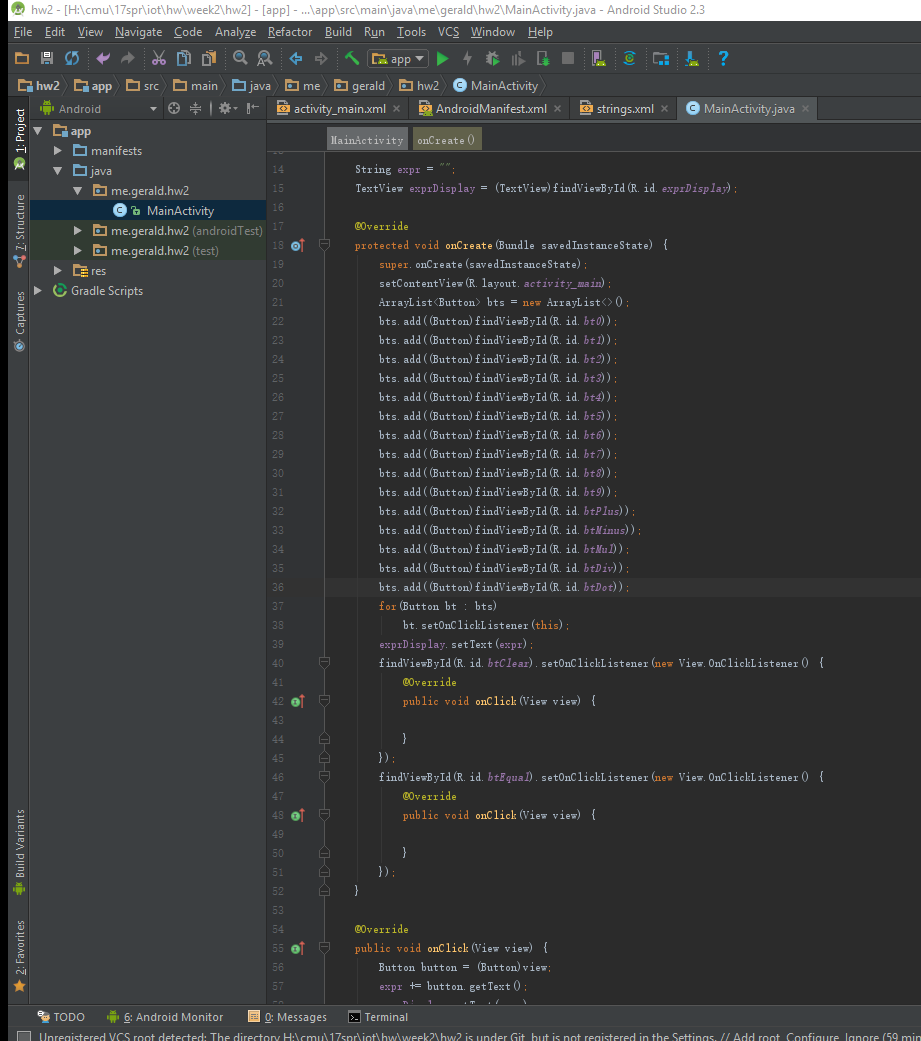
Implement the logic of the calculator. Add onClickListener event listeners to buttons.
Step 3.
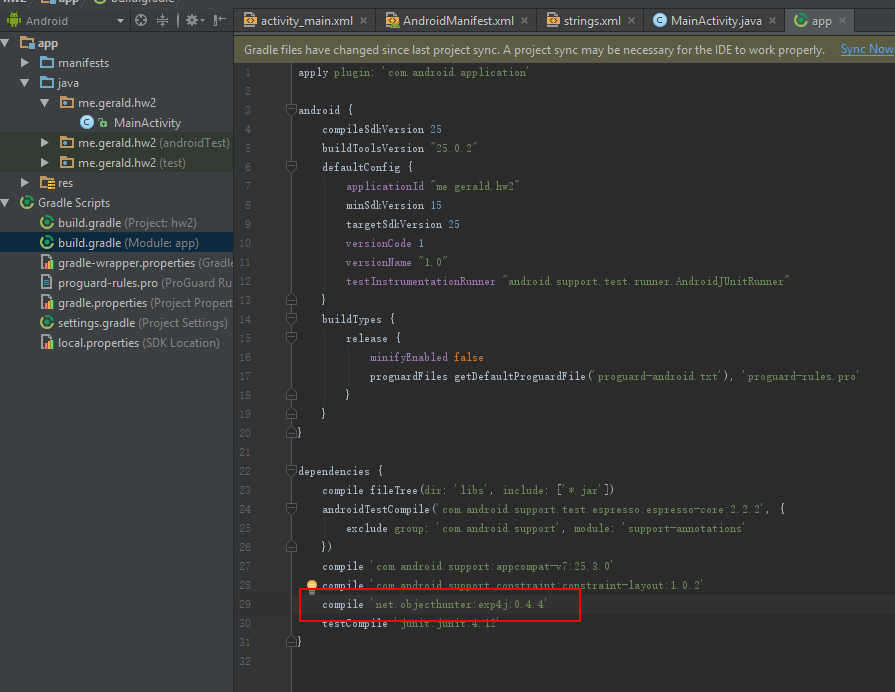
In order to utilize the exp4j, the library needs to be added into the dependency.
Step 4.
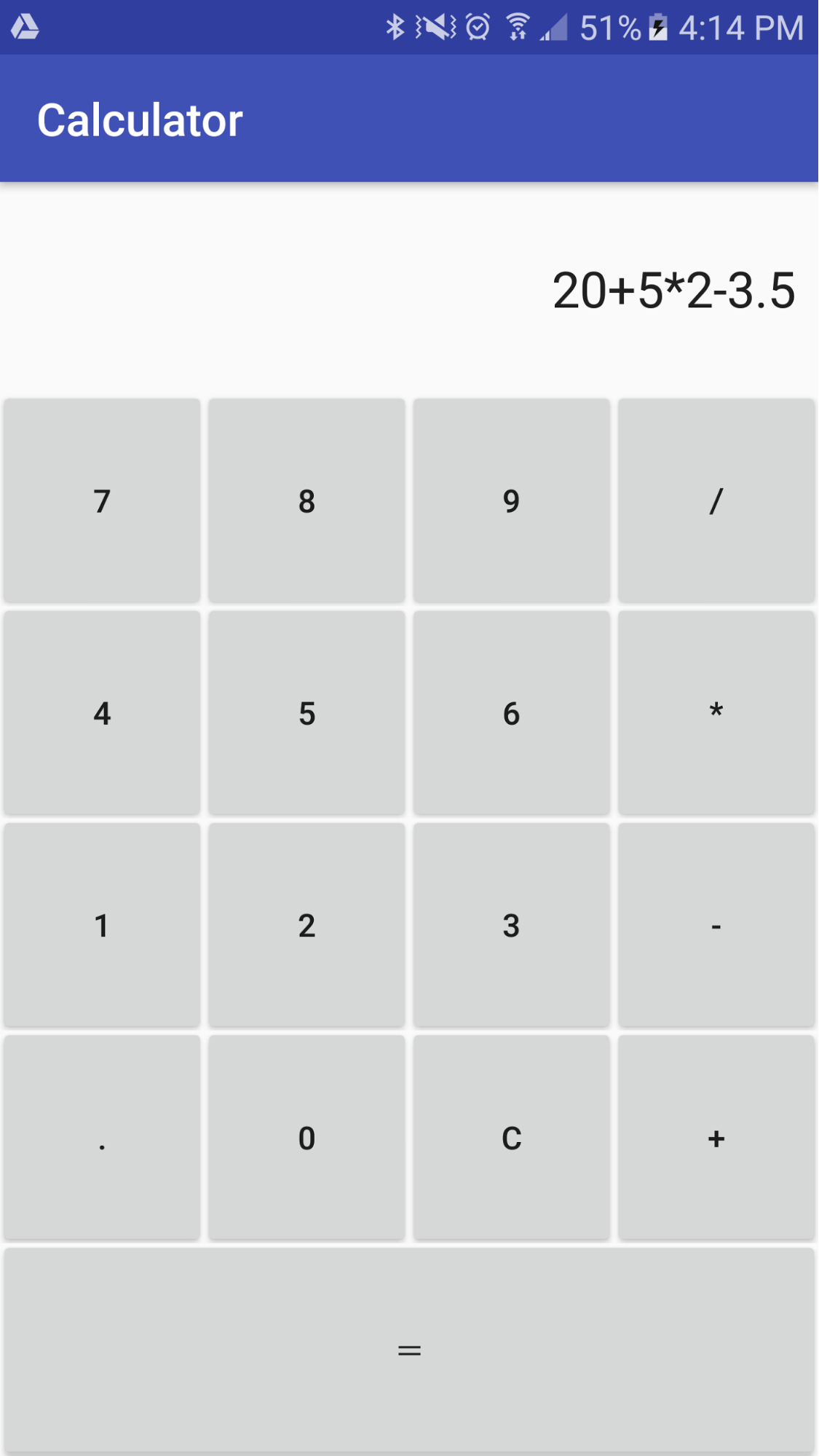
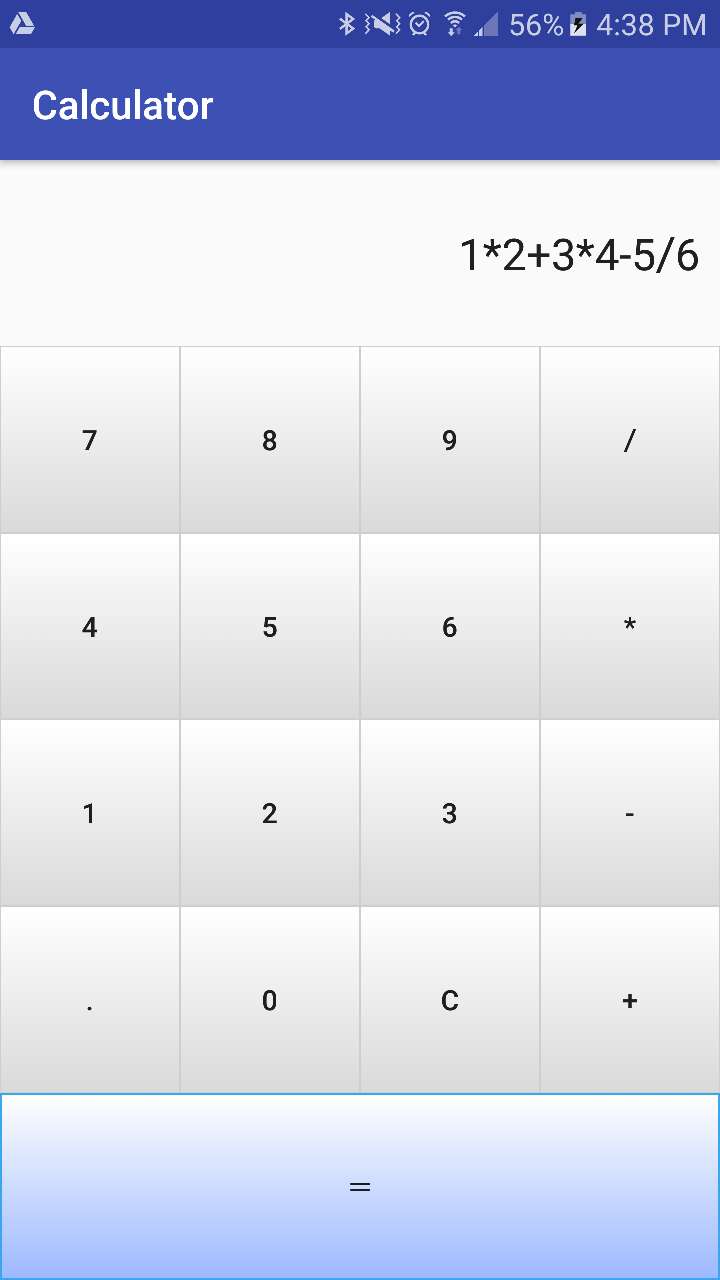
Test the project using my Android device, the fundamental features of the calculator should work.
Step 5.
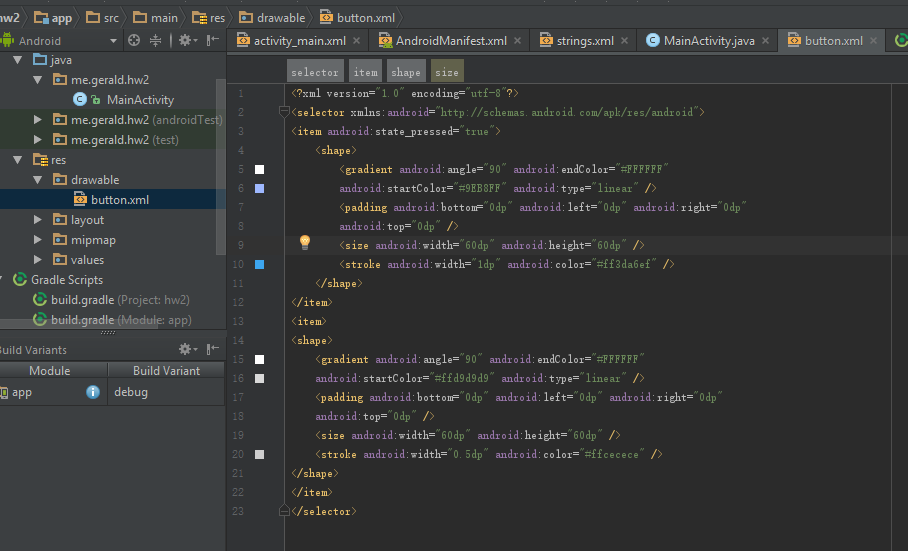
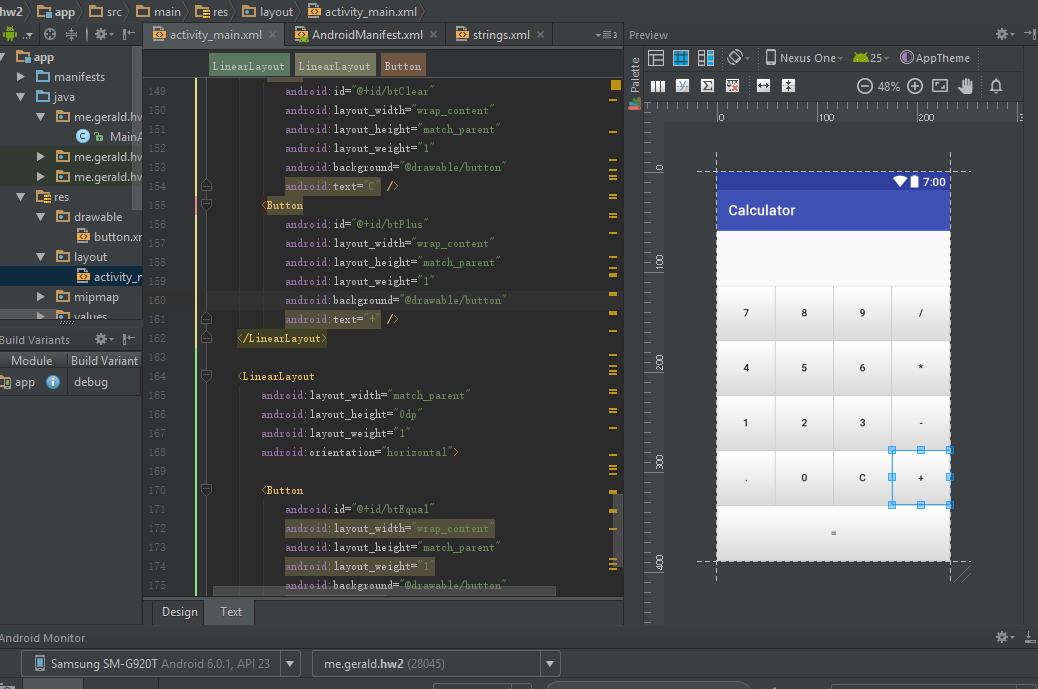
Add a new xml in drawable folder, and add button stylizing descriptions, including the idle button style and the style when button pressed.
Step 6.
Modify the layout design, add the style to each of the button.
Step 7.
Test the calculator in my Android device, it works nicely.